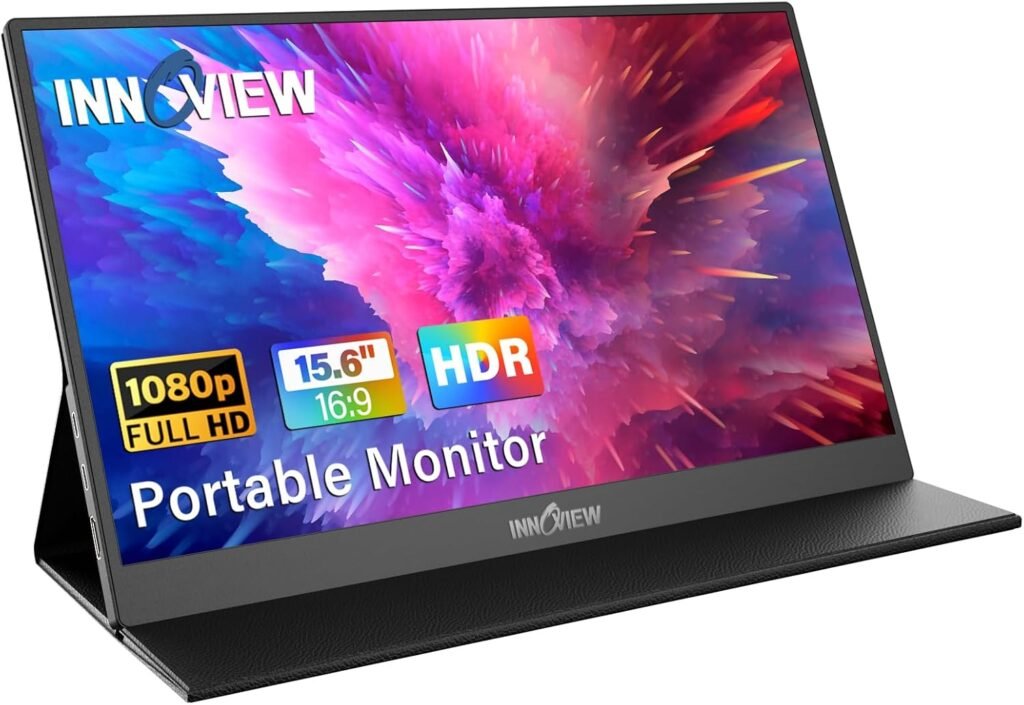
InnoView Portable Monitor, 15.6 Inch FHD 1080P HDMI USB C Second External Monitor for Laptop, Desktop, MacBook, Phones, Tablet, PS5/4, Xbox, Switch, Built-in Speaker with Protective Case










InnoView Portable Monitor: A Second Screen That Travels With You
Laptops are built for portability, but their screens are usually the first thing to feel cramped when you need to compare documents, manage several windows, or keep an eye on a chat while working. The InnoView Portable Monitor is a 15.6-inch external display designed to add screen space without adding a full desktop setup. It combines an FHD IPS panel, HDMI and USB-C connectivity, a built-in speaker, and a protective cover that doubles as a stand. This review walks through what the product information says, what those features mean in practice, and which users are most likely to benefit.
Design and Build
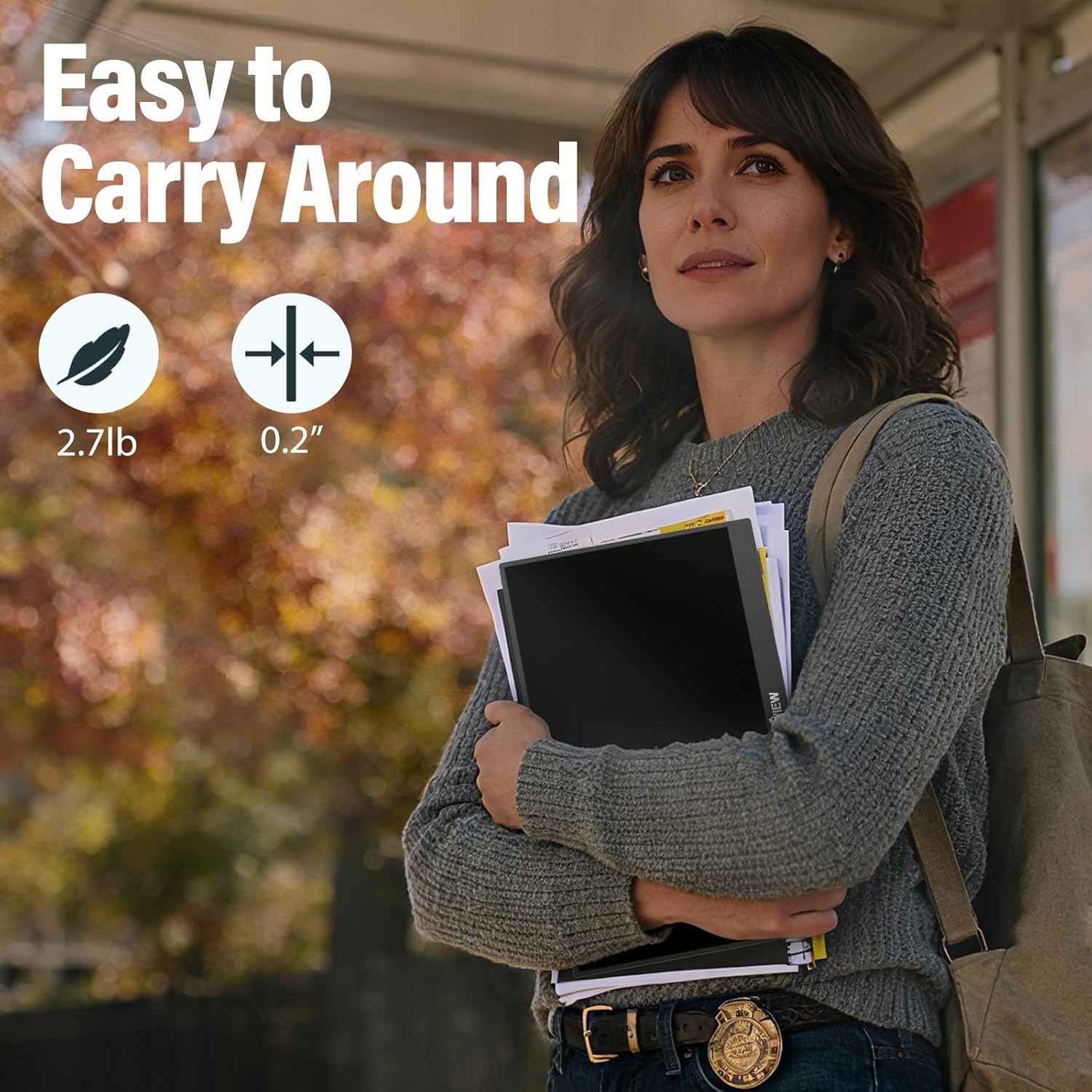
The headline specification is the 15.6-inch panel, a size InnoView describes as well suited to travel and remote work. That framing makes sense for a portable monitor: it is large enough to serve as a genuine second workspace rather than a small accessory display, while still being a size the manufacturer positions for carrying around.
The screen itself is an IPS panel with a 1920 x 1080 resolution and a stated 178-degree viewing angle. IPS technology is associated with wider viewing angles, which matters when a screen is propped up on a table and viewed from slightly off-center. InnoView also states that the panel supports accurate and vivid color presentation, and that HDR is combined with the display to present realistic colors and detail in images and video. These are manufacturer claims rather than independently verified results, but they describe the intended character of the panel.
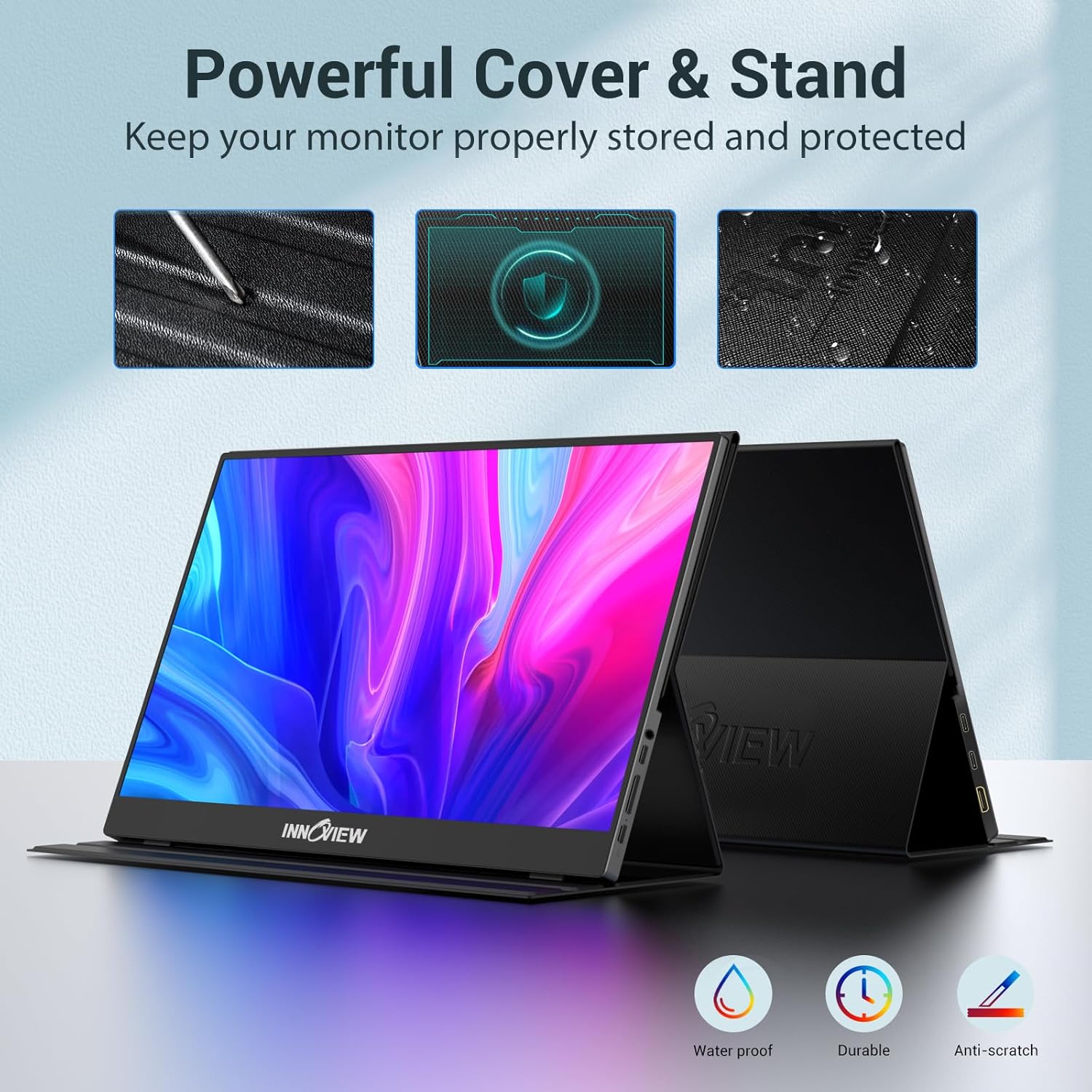
Eye comfort is addressed through low blue light and a flicker-free design. InnoView states that these features reduce blue light radiation and flicker, which the company frames as eye protection for longer work sessions. The monitor also ships with a protective cover made of PU leather. The cover is described as scratch-resistant and is intended to shield the screen when the monitor is packed into a backpack. Two grooves in the cover allow the monitor to be positioned at different angles, and the cover can support both landscape and portrait orientation.
Features and Connectivity
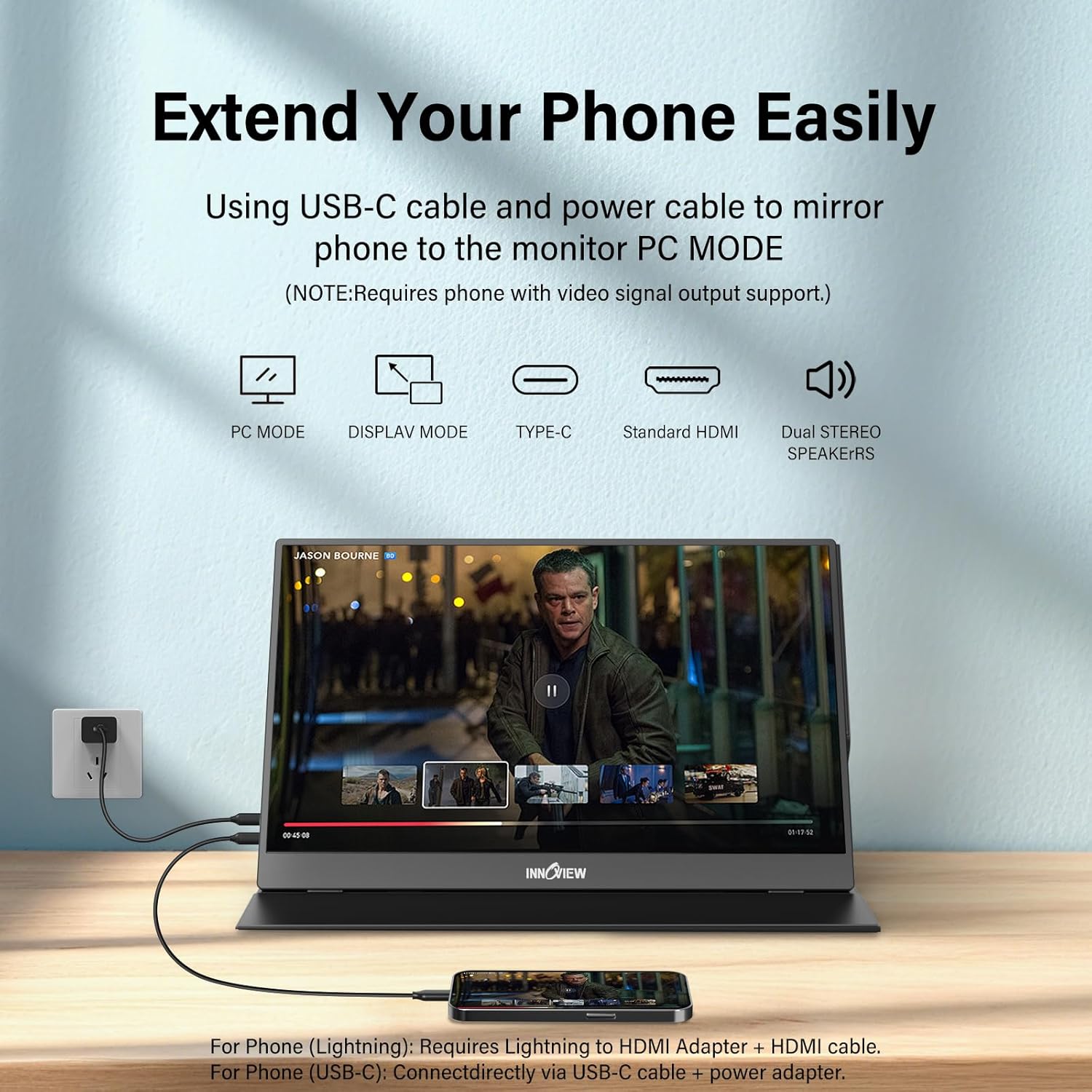
The connection setup is one of the more practical aspects of this monitor. InnoView provides two full-function USB-C ports and one HDMI port. In the simplest configuration, a single USB-C cable connects the monitor to a compatible computer. The USB-C connection also supports power pass-through reverse charging, so the monitor can pass power through the connection rather than requiring a separate adapter in every situation.
There is an important compatibility condition attached to that single-cable setup. The connected device needs to support Thunderbolt 3.0 or 4.0, or USB 3.1 Type-C with DP ALT-MODE. If a device does not meet that requirement, InnoView states that you can connect through HDMI along with a power cable. That power cable is not included in the package, so buyers relying on the HDMI route should plan for it separately.
InnoView also states that the monitor requires no app or driver installation, which keeps the setup process focused on the physical connections rather than software configuration. A built-in speaker is included as well, giving the monitor its own audio output without the need for separate speakers.
Performance and Everyday Experience
The value of a second screen is mostly about workflow. InnoView describes the monitor as a way to expand the viewing area and work more efficiently during gaming, work, meetings, and study. With a 1080p resolution across 15.6 inches, the display is intended to handle everyday tasks such as documents, browsers, spreadsheets, and video playback. The stated HDR support and color claims suggest the panel is also positioned for media viewing, though those characteristics should be treated as manufacturer descriptions rather than measured results.
One practical note appears in the product information: because output power varies between devices, the screen may flicker or restart. InnoView’s suggested remedy is to power the monitor directly. This is useful to know before assuming a fault, since the behavior is tied to the power supplied by the connected device rather than the display itself. Users connecting through a single USB-C cable from a lower-power port may want to keep a power source on hand.
The cover-and-stand design also affects daily use. The two grooves let you choose a viewing angle, and portrait mode can be useful for reading long documents or code, depending on how you arrange your workspace. When the monitor is not in use, the same cover protects the screen during transport.
Compatibility
InnoView lists a broad range of supported devices: HP, Lenovo, Dell, and Asus laptops, MacBook, iPhone, game consoles including PlayStation and Xbox, tablets, and the Nintendo Switch. The monitor is described as suitable for travelers, students, gamers, engineers, and office workers. As with any USB-C display, the exact connection method depends on the port capabilities of each device, so the Thunderbolt or DP ALT-MODE requirement is the key detail to check before purchase.
Who Is This Monitor Best For?
Based on the stated use cases, this monitor suits people who need extra screen space away from a fixed desk. Travelers and remote workers can carry it in a backpack, thanks to the protective cover, and set it up beside a laptop. Students may find the expanded workspace helpful for research and note-taking, while gamers can connect consoles such as the PlayStation, Xbox, or Switch. Engineers and office workers who juggle multiple windows during meetings or focused work are also part of the intended audience. Anyone whose device lacks Thunderbolt or USB-C DP ALT-MODE should be prepared to use the HDMI and power-cable route instead.
Final Verdict
The InnoView Portable Monitor is a straightforward proposition: a 15.6-inch 1080p IPS display with flexible USB-C and HDMI connectivity, a built-in speaker, and a protective cover that doubles as an adjustable stand. Its strengths lie in the combination of a travel-friendly size, multiple connection options, and a cover that protects the screen and supports it during use. The main considerations are the DP ALT-MODE requirement for single-cable operation and the need for a separate power cable when connecting via HDMI. For buyers who want a portable second screen for laptop work, study, or console gaming and who check their device’s port compatibility first, this monitor is a sensible option to consider.
Disclosure: As an Amazon Associate I earn from qualifying purchases. If you buy through links on this page, we may earn a commission at no extra cost to you.
View on Amazon